KNOT LR8G kit
$179.00*
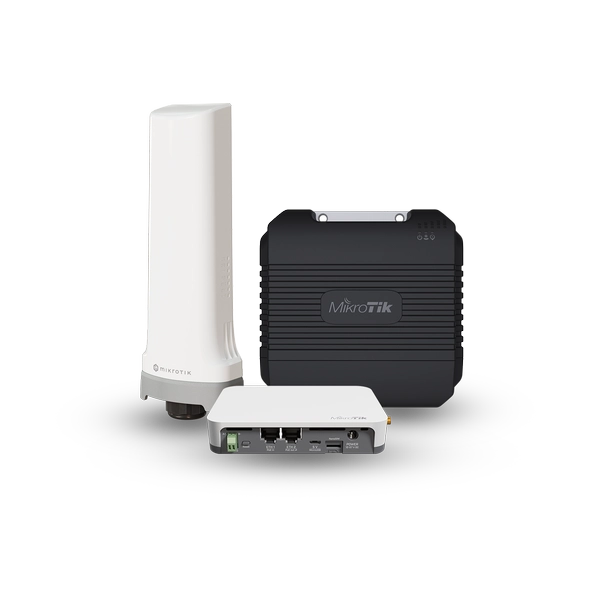
An industrial-grade IoT gateway for smart asset tracking, remote monitoring, and efficient automation – now with enhanced LoRa® reception, concurrent GPS + LTE CAT-M, and a lower price. This is the 868 MHz version.

KNOT LR9G kit
$179.00*
An industrial-grade IoT gateway for smart asset tracking, remote monitoring, and efficient automation – now with enhanced LoRa® reception, concurrent GPS + LTE CAT-M, and a lower price. This is the 915 MHz version.
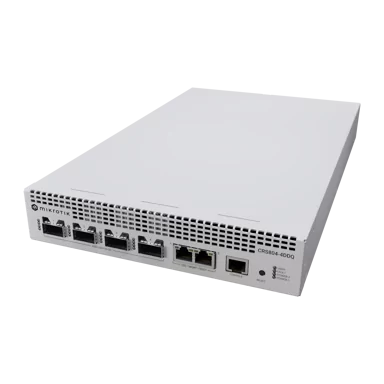
CRS804 DDQ
$1,295.00*
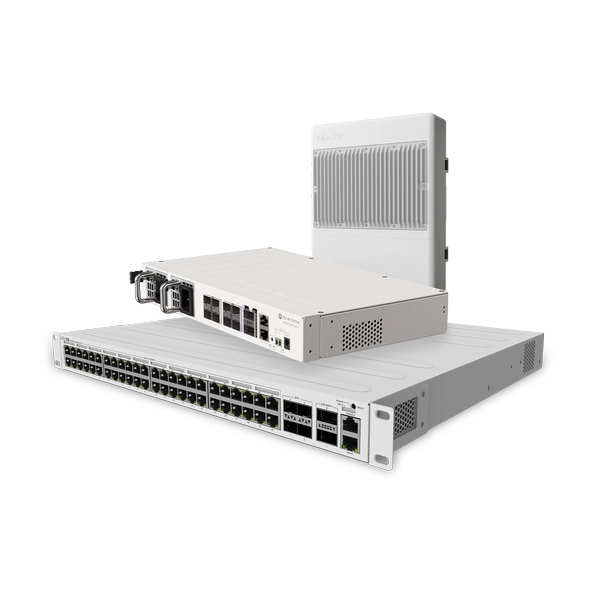
A compact 1U 400G switch built for AI clusters, storage fabrics, and high-speed aggregation, featuring four 400G QSFP56-DD ports, dual 10 Gigabit Ethernet, and RouterOS v7. With hot-swap power supplies, robust cooling, and low power consumption, it delivers ultra-high bandwidth, wire-speed performance, and future-proof scalability at an accessible price point.
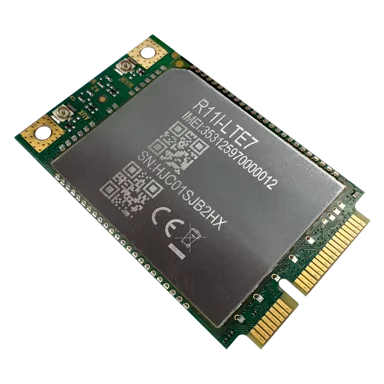
R11e-LTE7
$65.00*
An easy drop-in upgrade for RouterBOARD integrators. This miniPCIe CAT7 modem delivers up to 300 Mbps with Band 28 & 32 support and carrier aggregation for better rural performance. Fully compatible with RouterOS v7 devices such as LtAP and RBM33G – upgrade your LTE speed without changing your setup.
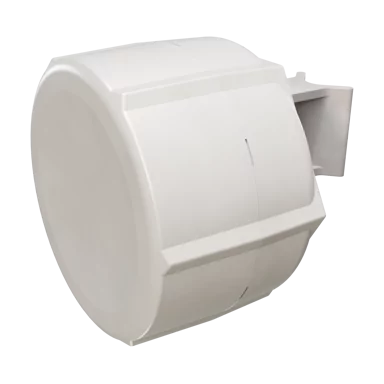
SXT LTE7 kit
$109.00*
A rugged outdoor LTE CPE with the new R11e-LTE7 modem inside. Delivers stable, fast Internet where phones fail – ideal for farms, off-grid connections, and countryside estates. Now with better uplink, PoE in/out, and a wide 12–57 V power range. Mount it, connect, and stay online.
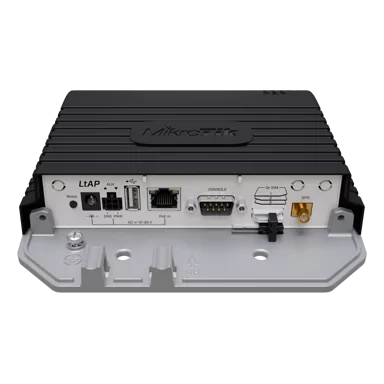
LtAP LTE7 kit
$169.00*
A compact, heavy-duty LTE access point with built-in GPS – now upgraded with a faster, smarter, more affordable LTE Category 7 modem. Add extensive networking and tracking options to your vehicle without breaking the bank!
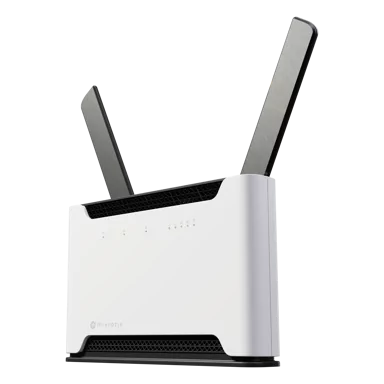
Chateau LTE7 ax
$169.00*
Your favorite high-performance home and office LTE router just got a major upgrade. Chateau LTE7 ax keeps the same powerful hardware, sleek design, and Wi-Fi 6 performance – but now features an LTE Category 7 modem, expanded frequency support, and a significantly lower price than the previous LTE6 ax version.
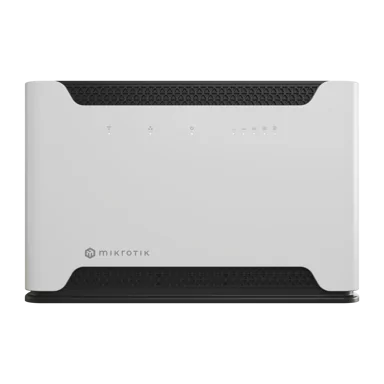
Chateau LTE7
$119.00*
Our most versatile home router, featuring the new CAT7 modem and a speedy quad-core CPU for all your household network security and management tasks. Dual-band, dual-chain Wi-Fi, 5x Gigabit ports, and full RouterOS v7 features – all at a significantly lower price than the previous LTE6 version.Perfect for secure VPN work, home offices, or small business networks that care about both function and aesthetics.
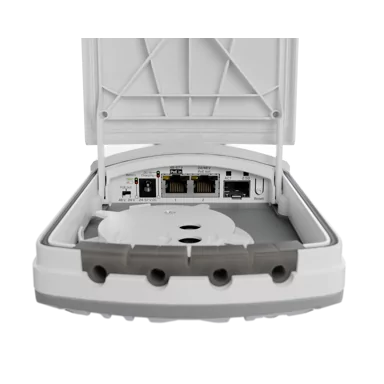
FTC21-ups
$99.00*
A weatherproof Fiber-to-Copper converter with 2.5G SFP and 2x Gigabit Ethernet ports, including PoE-out on Ether2. Its integrated battery keeps links stable during short power interruptions, preventing unnecessary renegotiations and device reboots.
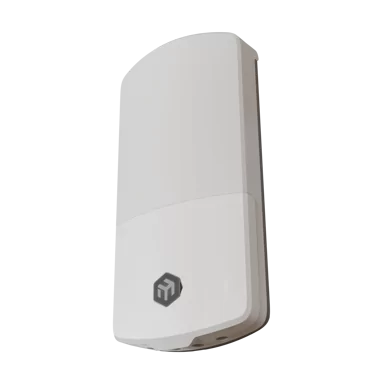
wAP ax LTE7 kit
$169.00*
The new wAP LTE7 kit is an evolution of the popular wAP ac LTE6. Now – with Wi-Fi 6, CAT7 LTE, a stronger ARM platform, and improved antenna gain. The unit comes in our improved next-gen IP66 weatherproof enclosure.
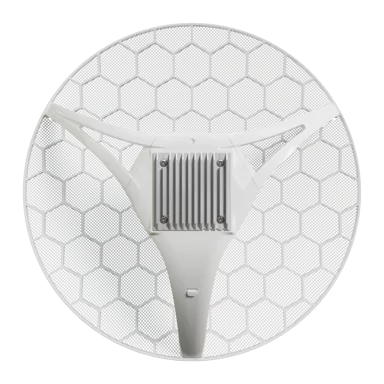
LHGG LTE7 kit
$169.00*
The new LHGG LTE7 kit upgrades the popular LTE6 model with a CAT7 modem and doubled upload speed, while keeping the proven 17 dBi long-range antenna and rugged grid design – now at a significantly better price.
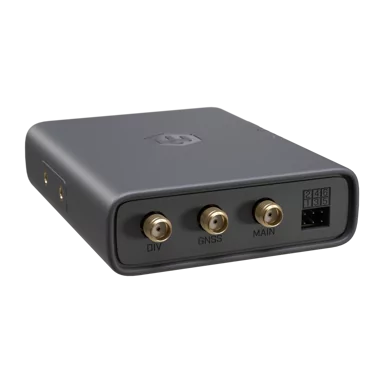
KNOT Embedded LTE4 Global
$89.00*
KNOT Embedded LTE4 is now available in a Global (EG25-G) version with expanded LTE band support for North America and other international markets. Industrial LTE/BLE/GNSS connectivity that fits anywhere. Originally designed for coffee and vending machines – perfect for all kinds of industrial automation.
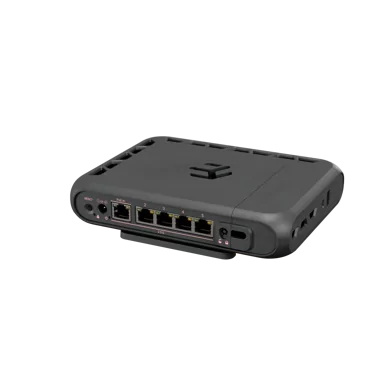
hAP be³ Media
$179.00*
hAP be³ Media – the professional all-in-one platform for routing, services, containers, and modern network workloads. This is a powerful Wi-Fi 7 hybrid router and media hub combining triple-band wireless, five 2.5G Ethernet ports, built-in Matter/Thread smart automation/IoT support, and a quad-core ARM CPU for containers, storage, and advanced networking. Coming soon!
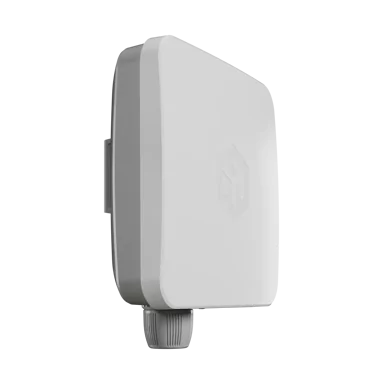
SXTsq Embedded LTE4
$89.00*
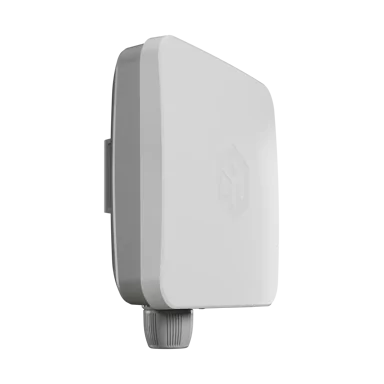
A cost-effective outdoor LTE device with an integrated 2×2 MIMO directional antenna, Cat4 LTE modem and RouterOS v7, designed for reliable remote connectivity. Available in EU (EC25-EU) and Global (EG25-G) versions with eSIM support, PoE-in (12–57 V), and a rugged IP-rated SXTsq outdoor enclosure, it delivers stable LTE connectivity with only 5 W max power consumption. This is the regular or EU version.
SXTsq Embedded LTE4 Global
$99.00*
A cost-effective outdoor LTE device with an integrated 2×2 MIMO directional antenna, Cat4 LTE modem and RouterOS v7, designed for reliable remote connectivity. Available in EU (EC25-EU) and Global (EG25-G) versions with eSIM support, PoE-in (12–57 V), and a rugged IP-rated SXTsq outdoor enclosure, it delivers stable LTE connectivity with only 5 W max power consumption. This is the global version with extra USA/non-EMEA LTE bands.
hAP be lite
$79.00*
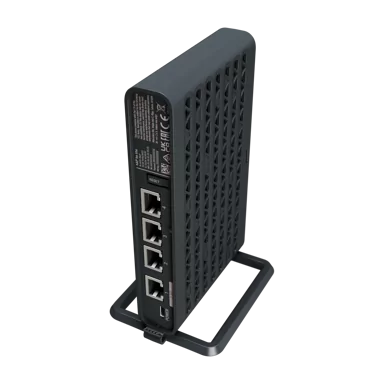
The most affordable Wi-Fi 7 router & access point for networks that need the flexibility and the power of RouterOS. USB-C powering, 2.5 Gigabit & Gigabit Ethernet, Wi-Fi 7 Multi-Link Operation, BE3600

hEX lite
$39.95*
5x Ethernet, Small plastic case, 850MHz CPU, 64MB RAM, Most affordable MPLS router, RouterOS L4

RB911G-5HPnD
$55.00*
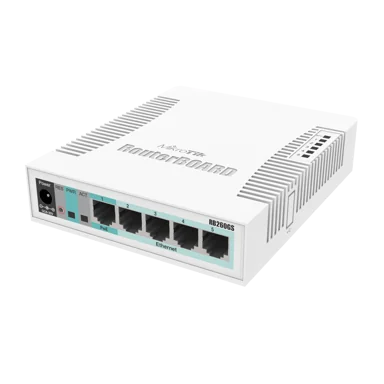
600MHz CPU, 32MB RAM, 1xGigabit Ethernet, onboard 5GHz wireless, RouterOS L3

RB912UAG-5HPnD
$79.00*
600MHz CPU, 64MB RAM, 1xGigabit Ethernet, onboard 5Ghz wireless, miniPCI-express, USB, SIM slot, RouterOS L4


GrooveA 52
$79.00*
2.4GHz/5GHz AP/Backbone/CPE, N-male connector, includes 2.4GHz/5GHz 6dBi Omni Antenna

RB951Ui-2HnD
$59.95*
2.4GHz AP with five Ethernet ports and PoE output on port 5. It has a 600MHz CPU, 128MB RAM and a USB port.